AI Tools to create Killer videos
— 2 min read
Creating high-quality video used to mean a lot of time and equipment. AI video generators have changed that calculus significantly, letting creators, marketers, and educators produce polished content in a fraction of the time. Here's a rundown of what's worth knowing about, organized by what each tool actually does for you.
Text-to-video generators
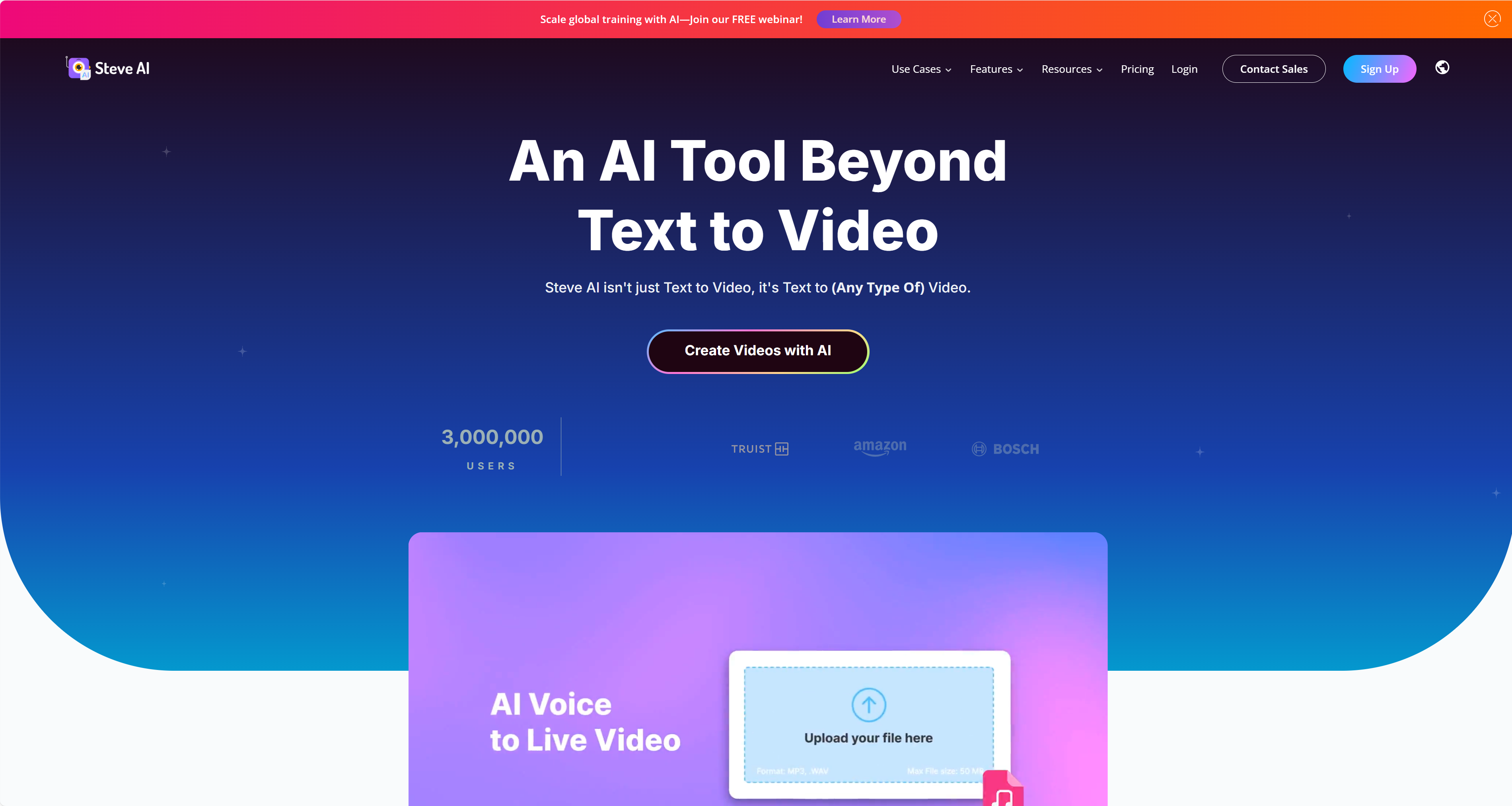
These tools can take a written script and turn it into a finished video in minutes, ranging from simple presentation-style slides to more advanced videos with lifelike AI avatars. Clip Creator by HubSpot is a free option — you type in a sentence, and it generates an editable video complete with stock footage, background music, and pacing tuned to how people actually watch. Steve AI goes further, letting you create animated, live-action, or hybrid videos with a library of over 400 prebuilt AI avatars and lip-syncing that holds up surprisingly well.
AI avatars and voiceovers
If you want a presenter on screen without filming yourself, this category is worth exploring. Synthesia offers over 230 AI avatars and voiceovers in more than 140 languages, and it also lets you build a "digital twin" of yourself, along with automatic closed captions and translation. ElevenLabs Voices takes a different angle, letting you transform your own voice into different characters — handy if you want to enhance a narration or presentation without hiring a voice actor.
Editing and customization
Descript lets you edit a video by editing its transcript, which turns out to be a much more intuitive and faster way to cut footage than scrubbing through a timeline. Visla takes a script and automatically generates a video from it, which is useful when you already know what you want said and just need it visualized.
What to look for when choosing one
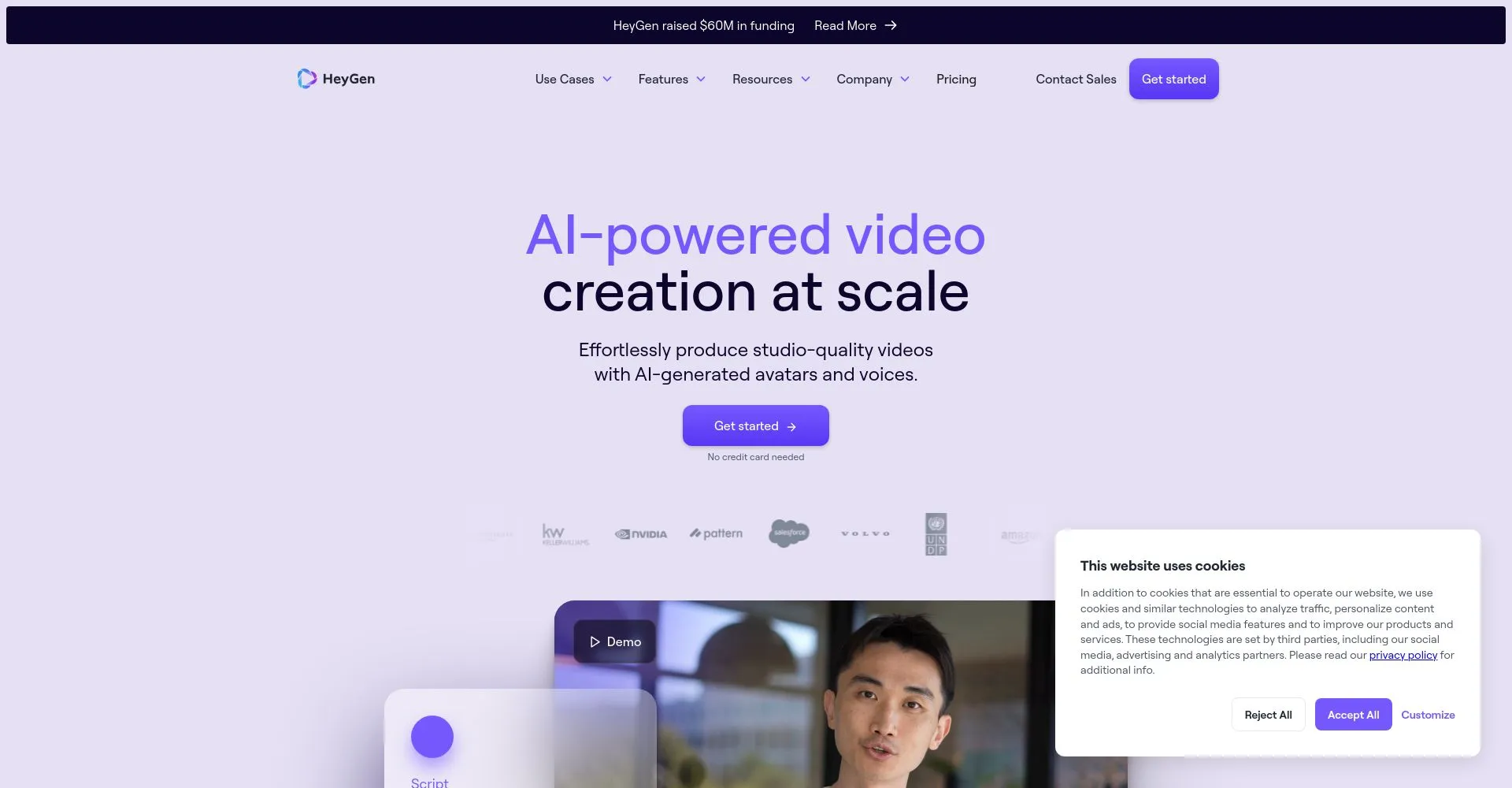
A few things separate the tools worth sticking with from the ones you'll abandon after a week: an interface that's genuinely easy to use under time pressure, AI-generated scripts that save you the blank-page problem, the ability to add your own branding and media so the output doesn't feel generic, and support that's actually responsive when something breaks. With the right tool, you can spend more of your energy on the creative side of the work and let AI handle the repetitive, technical parts.
Source: Watch the original video